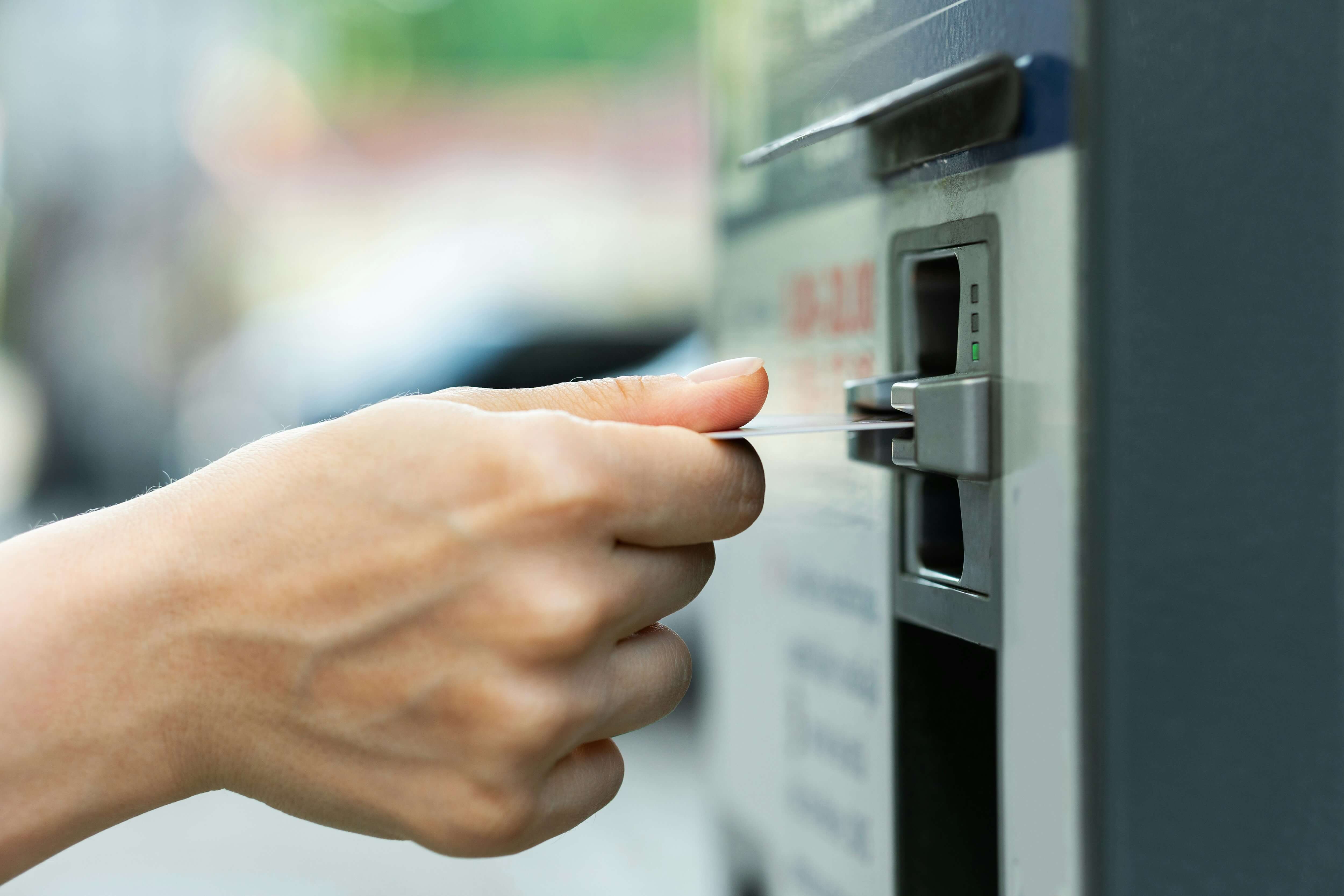
When withdrawing cash from an ATM, the last thing you want is to be hit with unexpected fees. MoneyPass ATMs offer a convenient way to avoid these fees while ensuring easy access to cash. But what exactly are MoneyPass ATMs, and how can you find one near you? Let’s dive in.
What Are MoneyPass ATMs?
MoneyPass is a nationwide surcharge-free ATM network that allows cardholders of participating banks and credit unions to withdraw cash without paying additional ATM fees. Many banks charge fees when customers use out-of-network ATMs, but with MoneyPass, users can avoid these fees by sticking to participating ATMs.
MoneyPass ATMs are commonly found in convenient locations, including:
- Banks and credit unions
- Retail stores
- Convenience stores
- Shopping malls
- Airports
How Do MoneyPass ATMs Work?
If your bank or credit union is part of the MoneyPass network, you can use MoneyPass ATMs without paying a surcharge. Simply insert your debit card, enter your PIN, and withdraw cash just as you would at your bank’s ATM.
To check if your bank participates, you can visit the official MoneyPass website or check with your bank. Some banks also indicate participation on their mobile banking apps or websites.
How to Find a MoneyPass ATM
Finding a MoneyPass ATM is simple and can be done in several ways:
- Use the MoneyPass ATM Locator
The easiest way to find a surcharge-free ATM is by using the MoneyPass ATM Locator, available at www.moneypass.com. Simply enter your city, ZIP code, or address, and the locator will show nearby MoneyPass ATMs. - Download the MoneyPass Mobile App
MoneyPass offers a free mobile app for iOS and Android devices, allowing users to find the nearest ATM on the go. The app provides:- An interactive map
- Address and directions for nearby ATMs
- Filters to search for drive-thru or deposit-enabled ATMs
- Check Your Bank’s Website or App
Some banks and credit unions list MoneyPass ATMs directly within their own apps and websites. If your bank is part of the network, you may be able to locate an ATM without using the MoneyPass website. - Look for the MoneyPass Logo
If you’re at an ATM and unsure whether it’s part of the network, check for the MoneyPass logo on the machine. If the logo is displayed, your withdrawal should be surcharge-free.
Benefits of Using MoneyPass ATMs
- No Surcharge Fees – Avoiding extra fees when withdrawing cash can save you money over time.
- Wide Availability – With over 37,000 ATMs nationwide, MoneyPass provides convenient access to cash without relying on a specific bank’s ATM.
- Easy to Find – Online locators and mobile apps make finding a MoneyPass ATM quick and hassle-free.
- Compatible with Many Banks and Credit Unions – Many institutions participate in the network, making it accessible to a wide range of customers.
Final Thoughts
MoneyPass ATMs offer a great way to access cash without paying unnecessary fees. Whether you're traveling, running errands, or simply need quick cash, finding a MoneyPass ATM is easy using online tools and mobile apps. If your bank participates in the MoneyPass network, taking advantage of surcharge-free ATMs can help you save money on withdrawals.